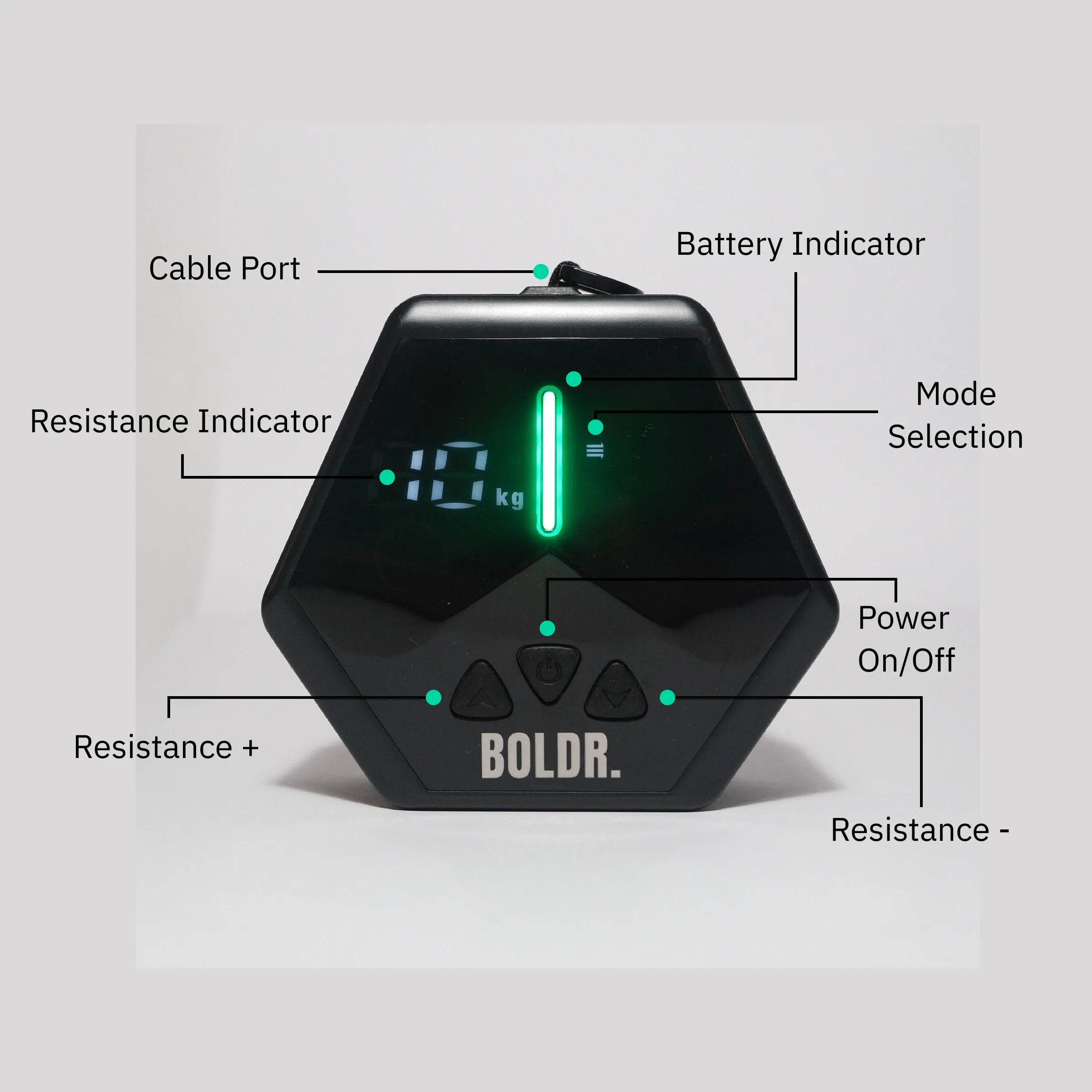
USER MANUAL & SETUP
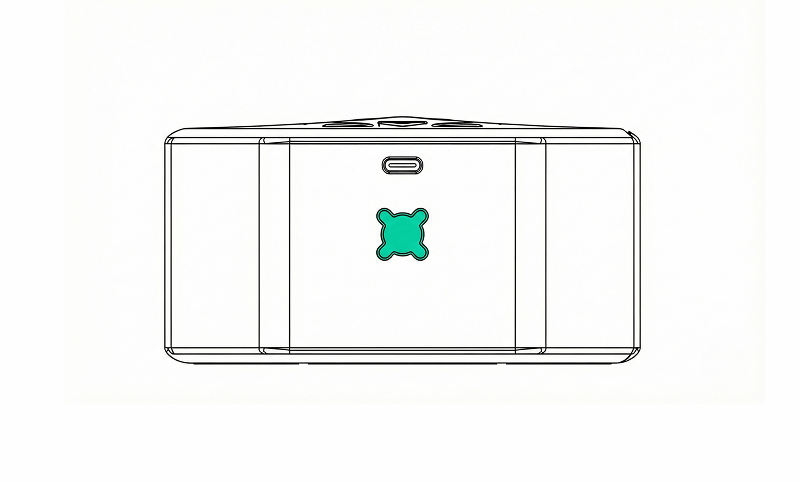
MOUNT YOUR BOLDR.
Align the device with the cross screw and secure it using a simple 45-degree twist. Turn until it locks firmly in place before use.
START YOUR BOLDR.
Turn on your device by pressing the Start button.
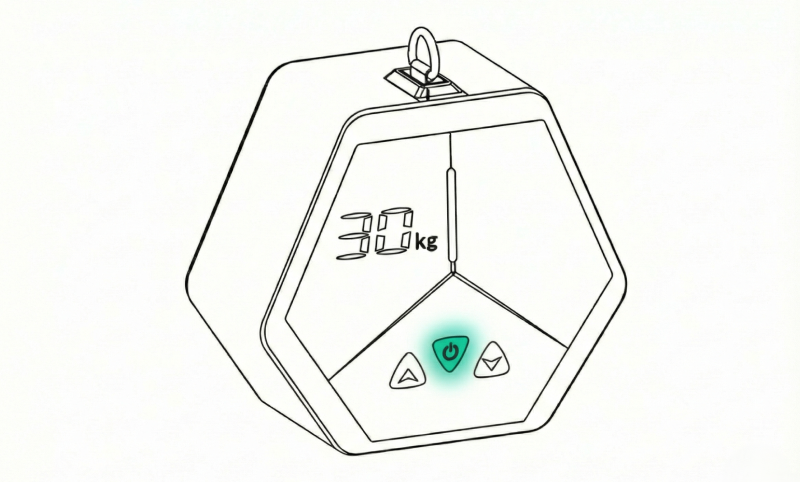

ADJUST RESISTANCE
Use the + and – buttons to increase or decrease resistance. Changes are applied instantly.
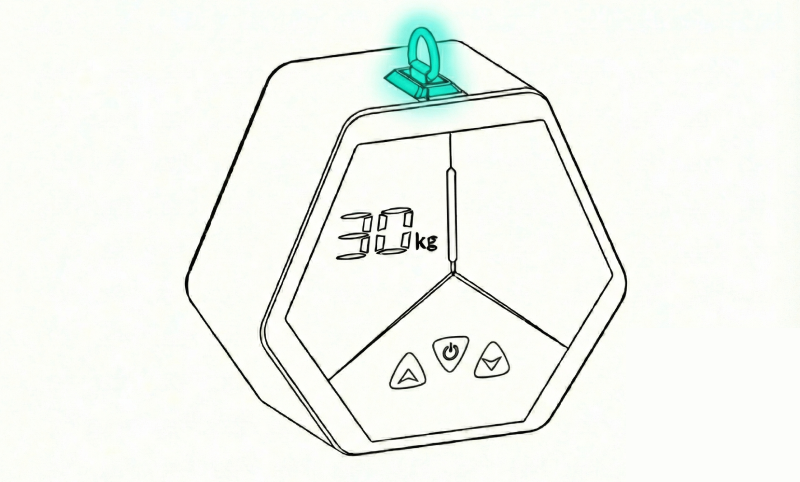
SELECT YOUR ATTACHMENT
Choose your desired attachment and use the carabiner to connect it to the D-ring.

HOW DO I CHANGE TRAINING MODE?
Double-press the Start button to change training mode. The active mode is indicated by the icon on the right. Refer to the image to see which icon corresponds to each mode.